How to add WhatsApp payments to your existing fintech
A founder's guide to adding a payment journey in chat while keeping your provider, customer accounts and operating systems.
Your customer wants to send money. They open WhatsApp, choose where it is going, select a recipient and check the amount. Your existing payment provider authorizes the transaction. The customer gets an update in the conversation, and your team sees the same transaction in the systems it already uses.
That is the integration Flowmynt offers to fintechs. The business keeps its provider relationships and adds a customer journey in chat. For a founder, the important decision is how that journey connects to the payment operation behind it. A convincing conversation is only the beginning.
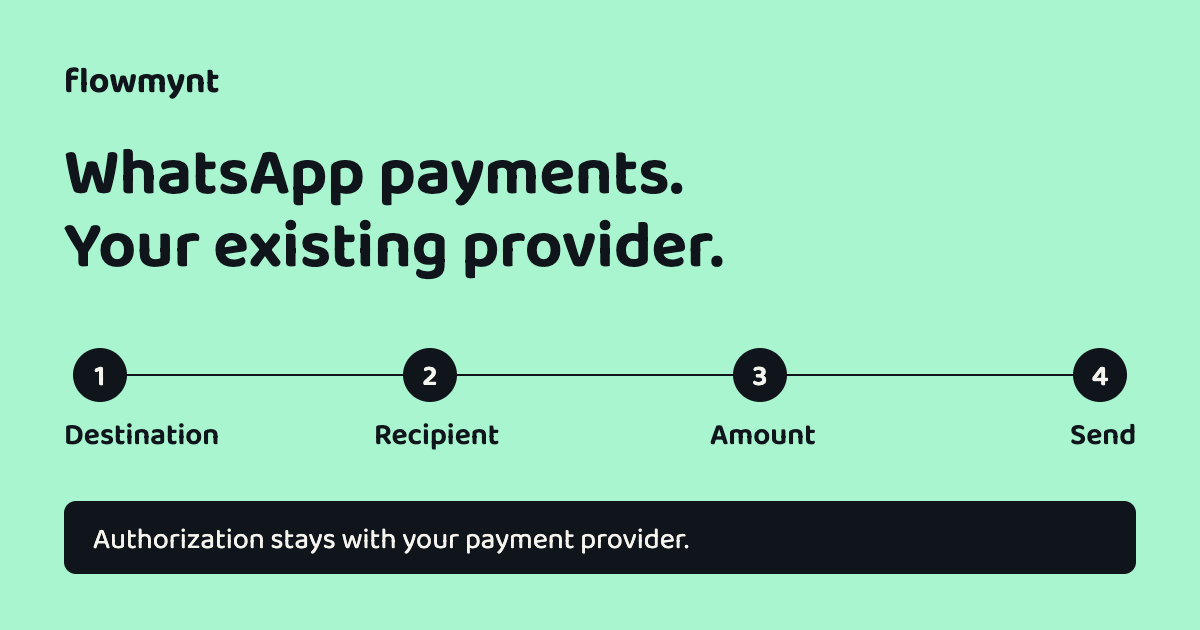
Keep the provider. Add the conversation.
An existing fintech has already made decisions about customer accounts, payment methods, transaction limits, compliance checks and reconciliation. A new channel should work with those decisions. Rebuilding them inside a chatbot creates another system for your team to maintain and another place for customer information to diverge.
Flowmynt connects the WhatsApp experience to the client's existing payment provider and platform. Your provider continues to authorize and execute payments under your agreements. Your business remains responsible for the financial services it offers and the markets in which it operates. Flowmynt supplies the integration and the agreed maintenance.
This is not a promise that every payment completes inside WhatsApp. Authorization may open the provider's secure page. Native in-chat payment availability depends on the market, account eligibility and provider capabilities. That route needs to be confirmed before the customer journey is designed.
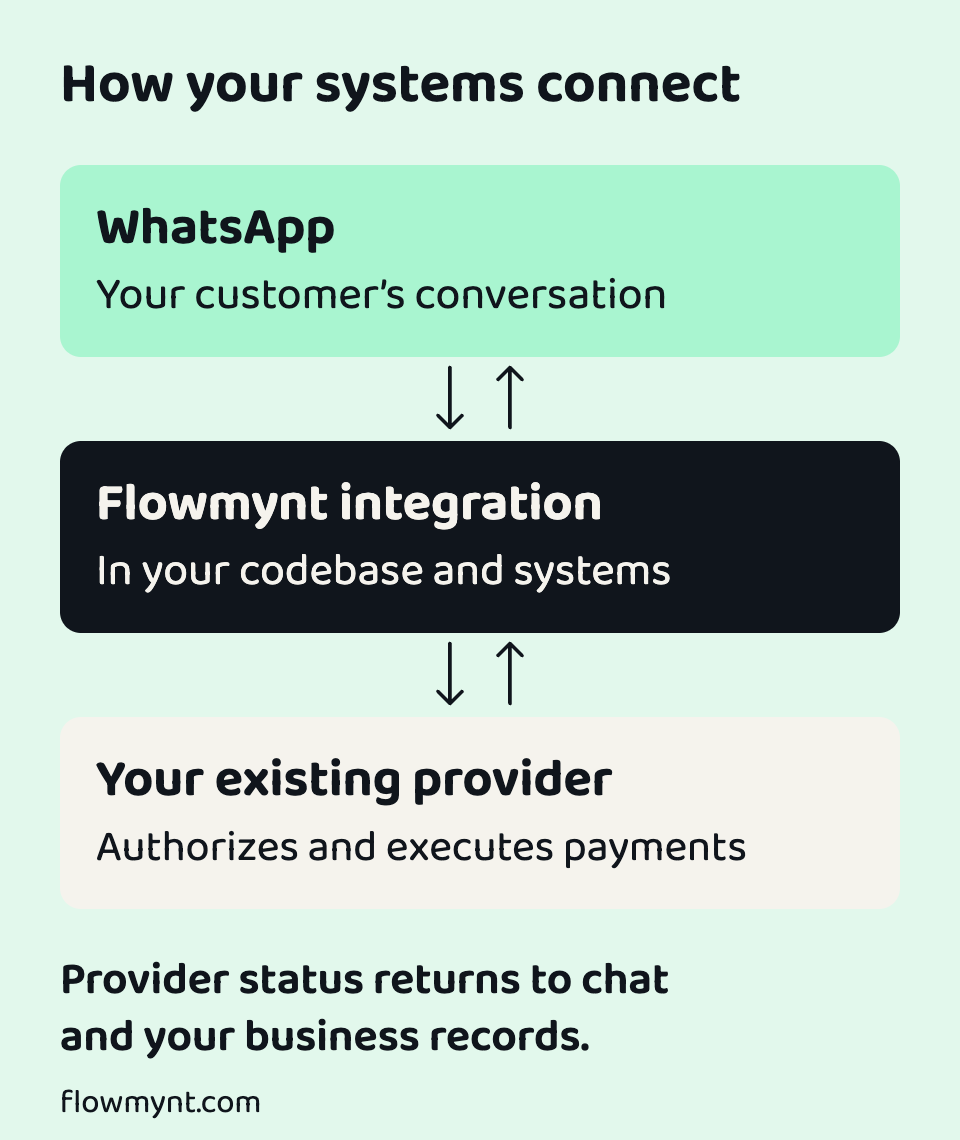
Design one clear journey in four steps
Start with a payment your business already supports. Sending money to a saved beneficiary is a useful first scope because the destination and recipient can come from existing records. The interface can then guide the customer through four visible steps.
Destination
Show only destinations and payout methods available to this customer through your provider. Nigeria, India, Bangladesh, Kenya or Ghana can appear when your arrangements support them; a country flag is a navigation aid, not a coverage promise.
Recipient
Let the customer choose an eligible saved beneficiary. Show enough information to distinguish recipients without placing full bank details in the conversation. Creating or changing a beneficiary can require a separate controlled journey.
Amount
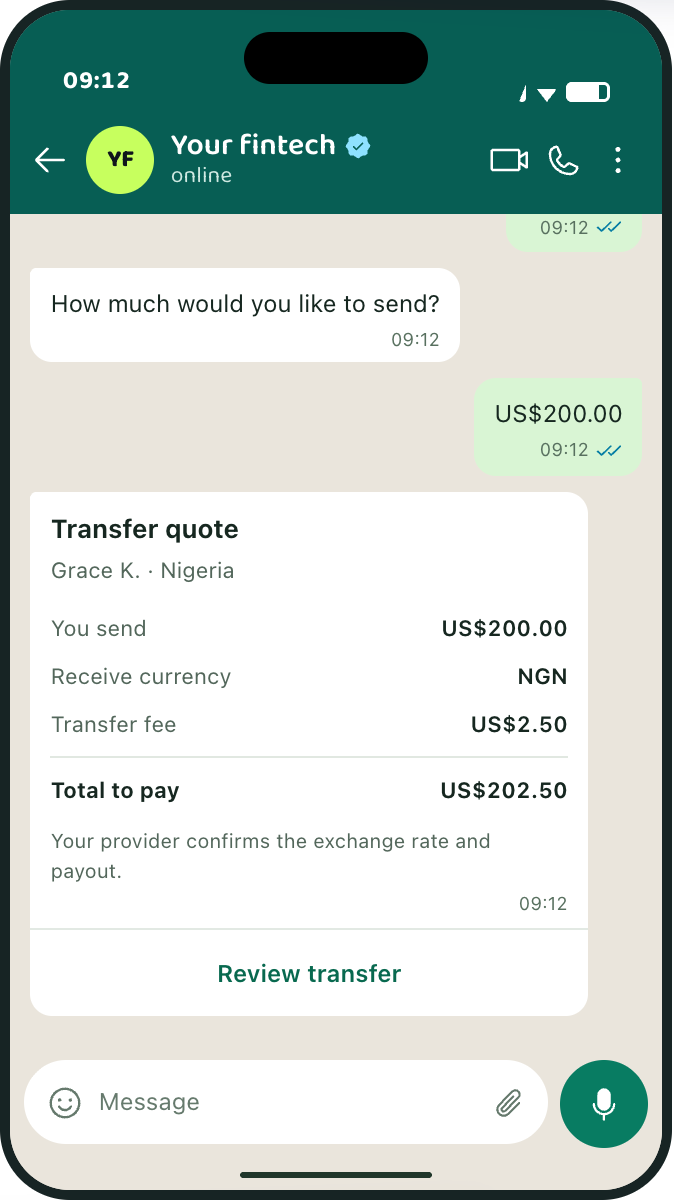
Present the amount, currency, applicable fee, exchange rate and recipient amount before submission. Make it clear when a quote expires and refresh it if the customer returns after that point.
Send
Show a final review, then hand off to the provider's approved authorization flow. Return the payment status and reference to the conversation when the provider confirms the result. Pending, completed and failed must remain distinct states.
Four visible steps do not remove checks behind the scenes. Account linking, transaction limits and any additional authentication must follow the business's and provider's requirements. WhatsApp account access alone should not be treated as permission to move money.
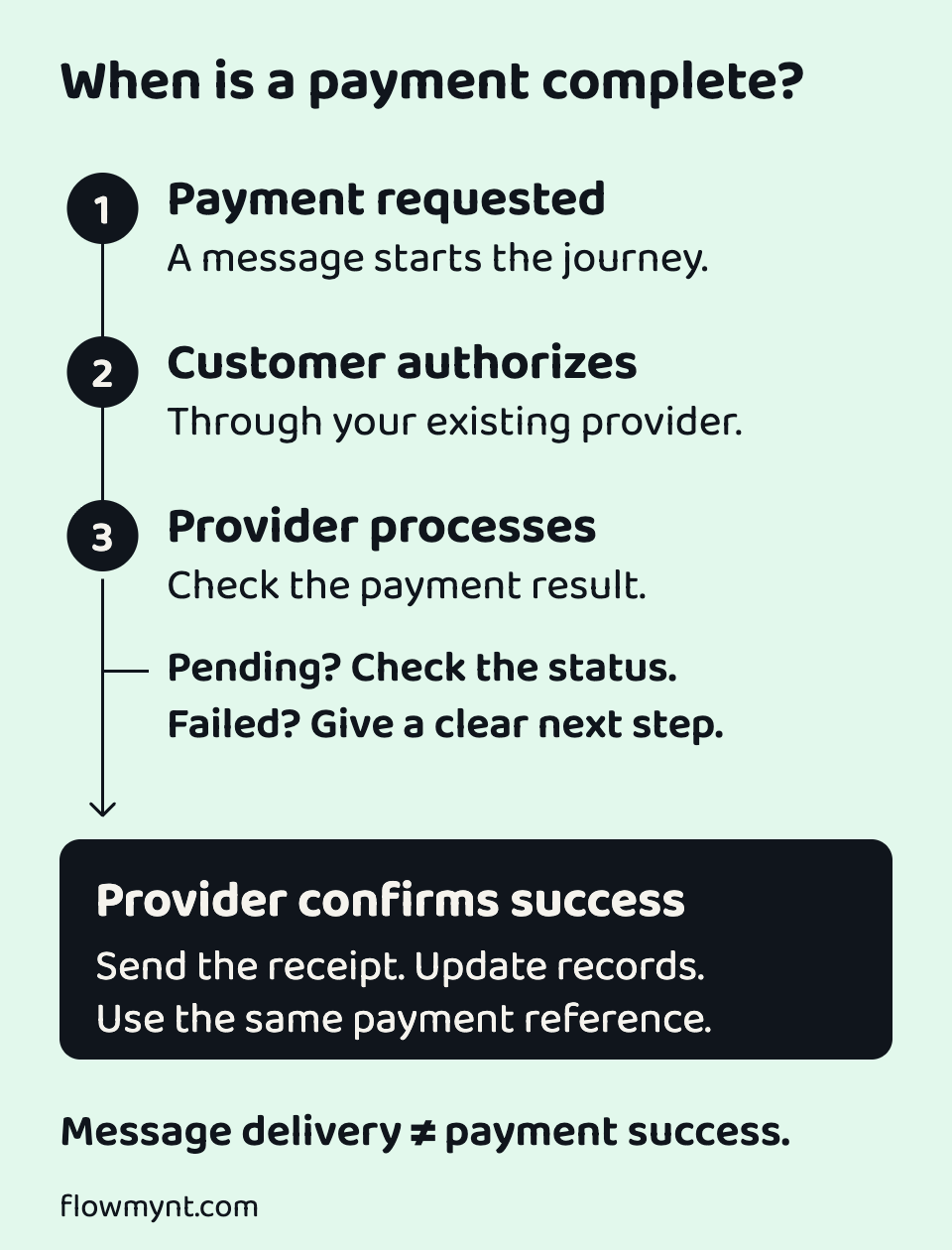
A delivered message is not a completed payment
A chat message can be delivered while a transfer is still pending. A customer can close the authorization page before your system receives the provider's result. A provider notification can arrive more than once. These are operating cases to design for before launch.
Use the provider's transaction status as the source for payment updates. Keep a stable reference between the chat request, the provider transaction and your internal record. A repeated customer tap or a retried notification should not create a second transfer.
Agree how the integration handles an expired quote, a failed authorization, a delayed status and a support handoff. If the transfer is pending, say so. A reassuring receipt should follow evidence of the relevant payment outcome, rather than the fact that a request was submitted.
WhatsApp message events and payment-provider events describe different things. Meta documents how its event notifications reach an integration through webhooks. Payment completion must come from the payment system.
What to bring to an integration review
The most useful first conversation is about your current operation. A list of desired screens helps, but the team also needs to understand how a real customer becomes eligible to pay and how a real transaction reaches your records.
- Your first payment journey, target customers and intended markets.
- Provider API documentation, sandbox access and the supported authorization route.
- How customer accounts are linked, beneficiaries are stored and limits are applied.
- Your WhatsApp Business account readiness, messaging permissions and required approvals.
- Where transaction status, reconciliation and support records need to appear.
- The people responsible for release approval, monitoring and incident response.
This review determines whether the proposed journey is compatible with your setup. It also separates the integration work from provider onboarding, account approvals and other dependencies. Delivery timing should follow that review; a website walkthrough cannot establish a launch date for an unseen codebase.
Decide who builds it and who maintains it
If you would rather not allocate engineers, Flowmynt builds inside your codebase, environments and delivery pipelines, then maintains the agreed integration. Access, release responsibilities and the maintenance scope are agreed before work begins.
Keeping the work in your environment gives your team visibility into what is being deployed. It also makes practical questions unavoidable: who reviews a provider API change, who investigates a delayed receipt, and who can roll back a release? Those responsibilities should be explicit in the delivery plan.
The current WhatsApp integration price is US$2,999 for one-time setup plus US$999 per month for maintenance. Taxes are extra. The standard setup covers one agreed journey; provider charges, third-party services and additional scope are separate. Confirm the current terms and compatibility with Flowmynt before committing.
This integration is a separate offering from licensing the full Flowmynt platform or asking the team to manage an entire existing codebase. Choose the scope that matches the work you need.
Measure a completed journey, not just chat activity
A pilot should answer whether customers can complete the intended payment and whether your team can support it. Track the path from a started request to provider authorization and the relevant final payment status. Record where customers stop and why.
Measure support contacts, unresolved transactions and repeated attempts alongside completion. Set the success criteria before release and compare the results with your existing journey. Do not assume that moving a flow into chat automatically improves conversion.
Start with one supported journey and a defined pilot. Expand to top-ups, bills, invoices or instalments when the provider capabilities, operating process and results justify the next step. Each journey still needs its own review.
Bring the system you already run.
Tell Flowmynt which provider you use, who your customers are and the first payment journey you want to add. We can review the connection, responsibilities and delivery scope with you.
Discuss your integration